If you updated MetaTrader 5 this summer and found a chat panel docked in your terminal, you are probably asking whether mt5 ai forex prediction now ships with the platform. It does not — and MetaQuotes never claims it does. What arrived between July and September 2026 is a retrieval and automation layer, not a forward price model.
This post holds one angle: the gap between an assistant that describes what your chart already shows and a model that outputs the next 48 hours of open, high, low and close. Both earn screen space. They answer different questions.
What builds 6060, 6140 and 6180 actually changed
Build 6060, released 24 July 2026 and documented in mql5.com forum thread 512830, added native Model Context Protocol support plus a built-in AI Assistant in both the terminal and MetaEditor. Sign in with an MQL5.community account and the free MQL5 Lite plan is applied with the API key configured for you. You can swap in your own keys for OpenAI, Anthropic, Gemini, DeepSeek or Ollama. Settings sync between terminal and editor.
Build 6140, dated 20 August, widened the provider list and cut the built-in provider's context window from 1 million to 500,000 tokens. Build 6180, dated 3 September, matters more at the chart. Per the metatrader5.com release notes, the assistant can now:
- Retrieve Strategy Tester reports and compare optimization passes.
- Configure and launch an optimization run.
- Read current tester settings — Expert Advisor, symbol, period.
- Pull the tester log, terminal log and EA logs to trace errors.
- Add indicators to a chart with set parameters, and list what is available.
Read that list again. Every item is a read or a write against state the terminal already holds. None of it is a price projection. An mcp ai agent metatrader setup — including external clients such as Claude Code or OpenAI Codex — moves data in and out of the platform. Moving data is not forecasting it.
The test that settles it: describe versus project
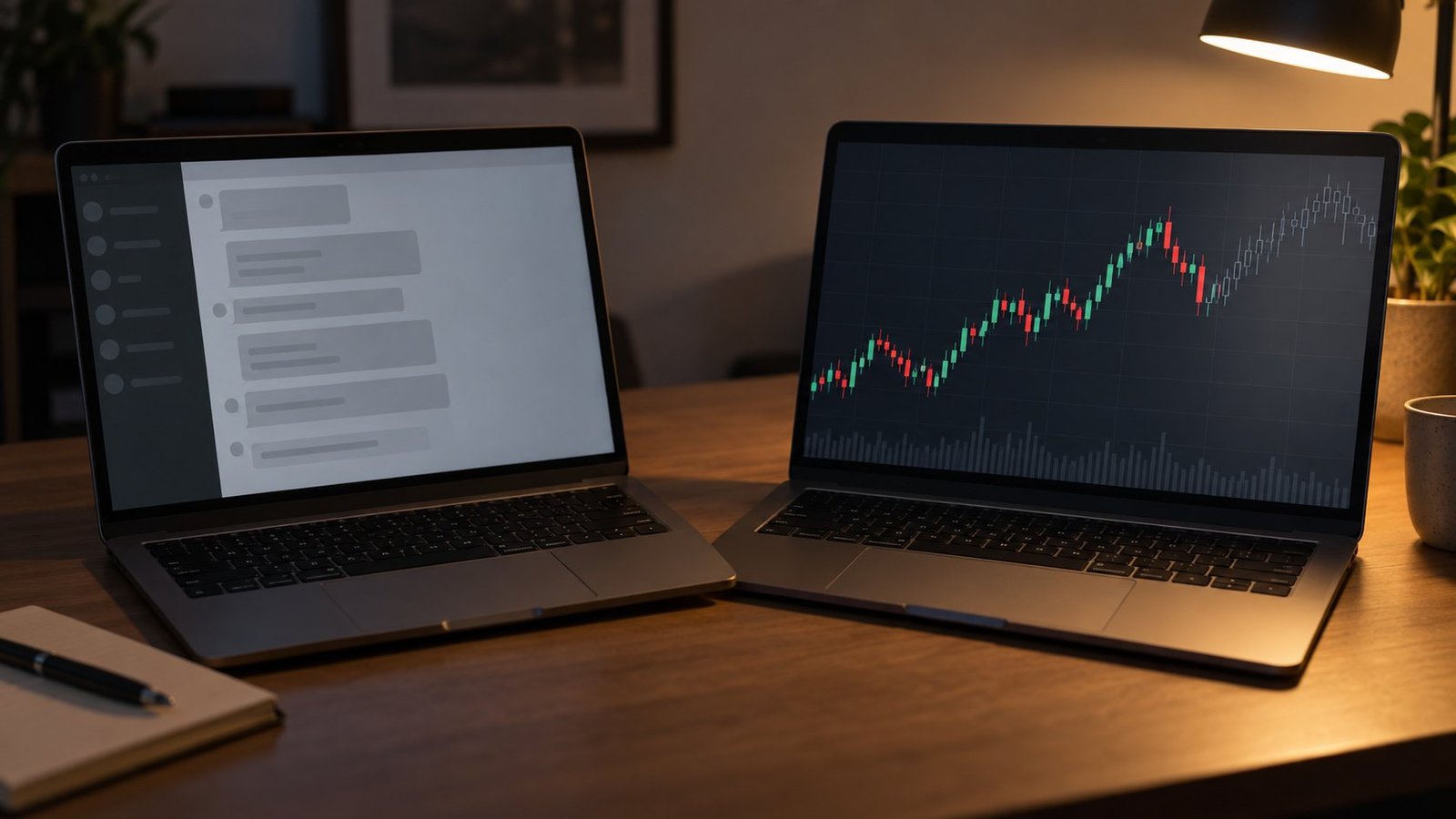
Ask the assistant what EUR/USD is doing on H1. You get a trend read, the nearest support and resistance, a summary of the visible bars. That is genuinely useful before a session, and faster than scrolling. Now ask a harder question: what is the projected H1 high 36 hours from now, and how wide is the range around it? The assistant has no mechanism that produces that number. It has your chart history and a language model on top.
So a metatrader 5 ai assistant forecast comes back as prose. Ask twice and you can get two different stories from the same bars, because nothing pins the output to a distribution. There is no hit rate attached, no horizon, no re-anchoring cadence. You cannot size a position off a paragraph.
What an LLM over MCP is good at
Plenty. It reads logs you would otherwise grep by eye. It compares optimization passes in seconds. It places two moving averages with periods 20 and 50 when you ask — which is exactly what people mean when they search for an mt5 build 6180 ai indicator. That is indicator placement, not indicator output. Keep the distinction and the new panel stops disappointing you.
Where mt5 ai forex prediction actually comes from
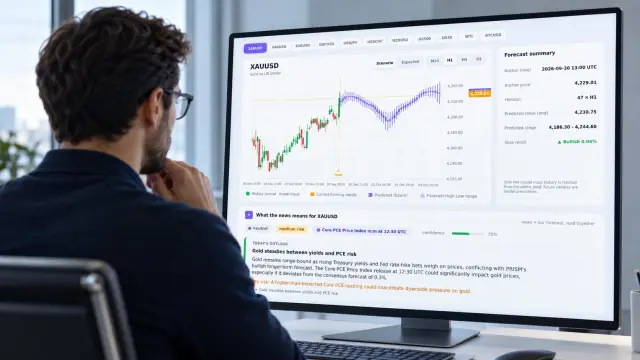
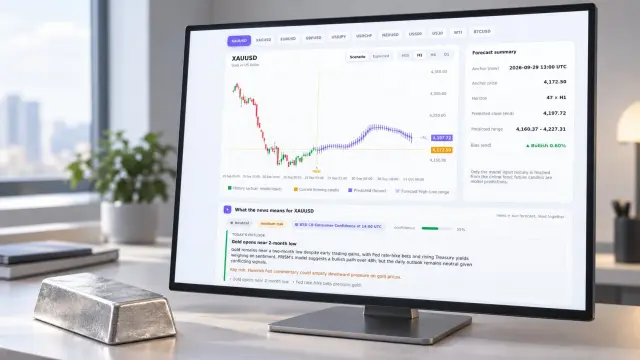
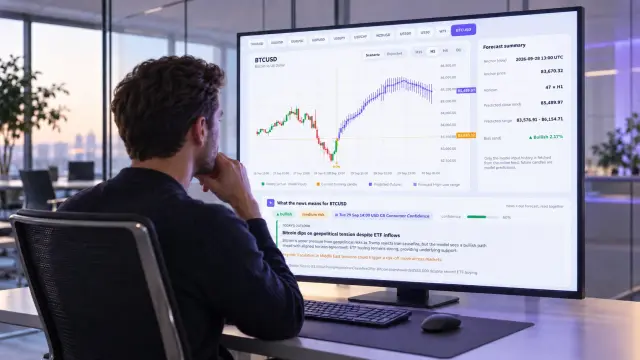
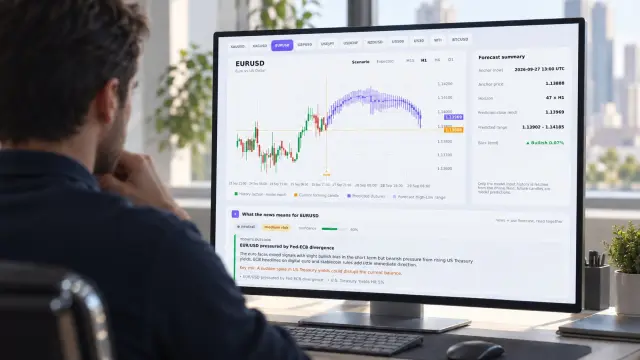
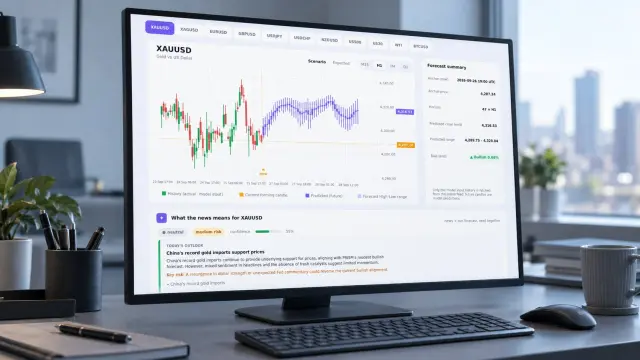
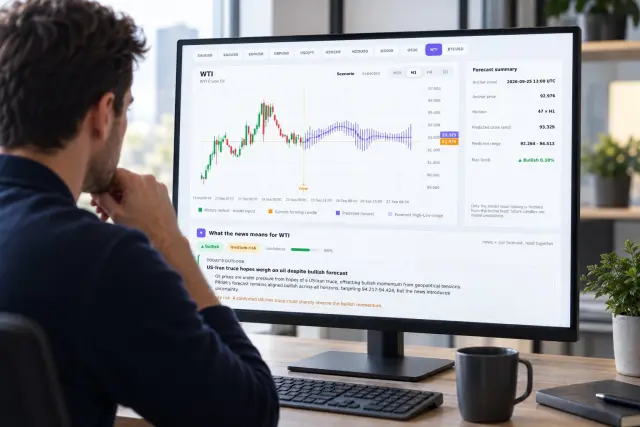
A forecast needs a model trained to emit a forward path. PRISM produces 48-hour OHLC candle forecasts across 11 markets and 4 timeframes — M15, H1, H4 and D1. Every projected bar carries its own open, high, low and close, so you read it the same way you read history. Our model page sets out what it measures; the live forecast shows the current output without any install.
One detail matters more than the rest: the projection is re-anchored every 15 minutes against the latest close, not regenerated whenever you ask. That cadence is the point. You and your colleague looking at the same symbol see the same forward path, and a path that shifted at 10:15 shifted because price moved, not because a prompt was worded differently.
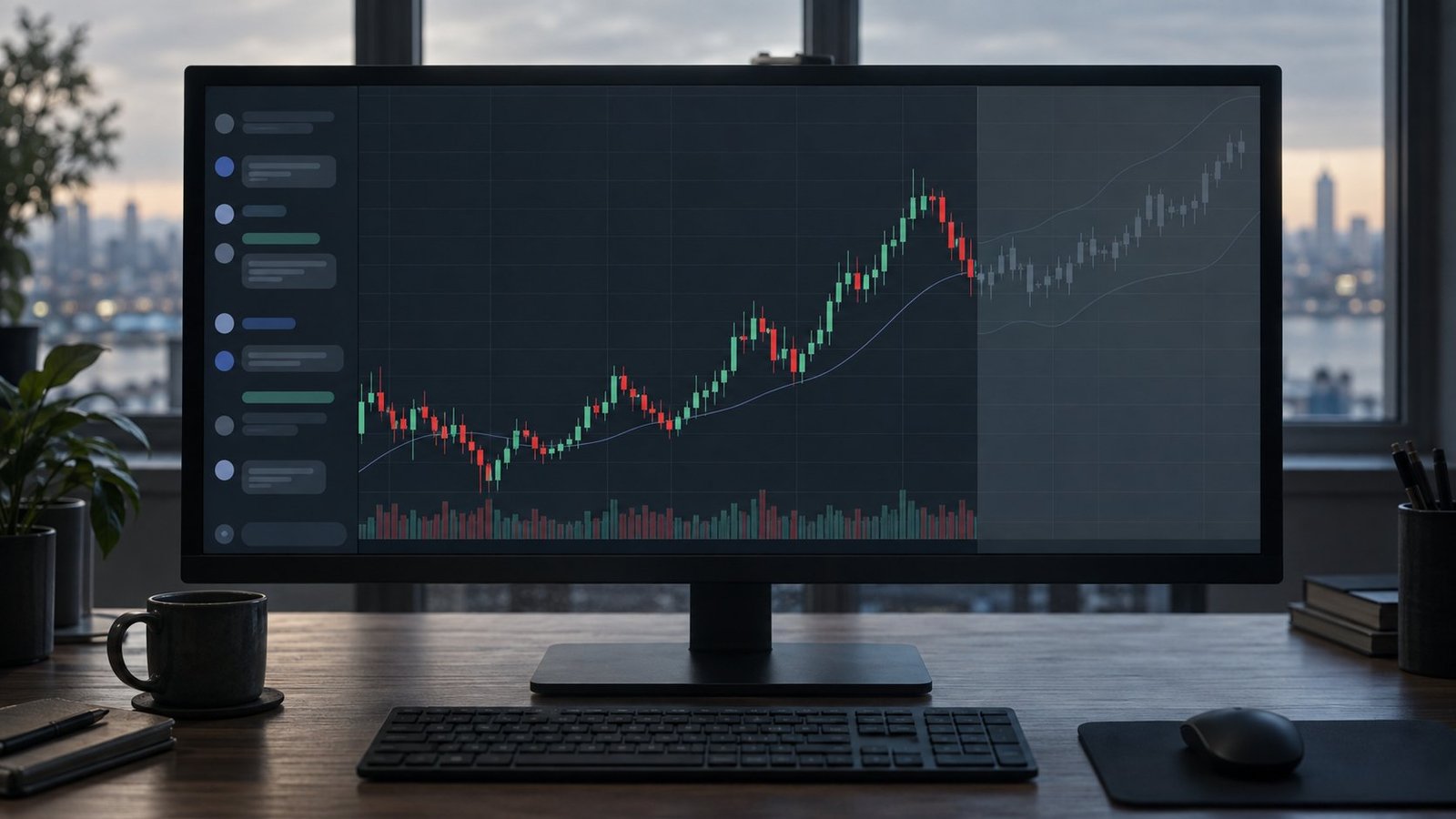
In practice, a forex forecast indicator mt5 traders can act on draws those bars beyond the last candle on the chart itself. We see people use the projected high or low as a target level, and the width of the forward range as an expected-volatility read. Confidence decays with horizon — bars 36 to 48 hours out are wider and weaker than bars 6 hours out, and thin sessions and scheduled events widen them further. Treat late-horizon bars as context, not as entries.
See also: Does Forex Prediction Indicator Repaint?
Running both on one chart
They do not compete for the same job, so wire them in sequence:
- Open the symbol and let the forecast indicator draw the forward 48 hours on H1.
- Read the projected range width first — that sets your stop distance in pips before you have any bias.
- Ask the assistant for the fundamental context and recent events around that window.
- If you are testing an EA against the signal, have the assistant pull the tester report and compare passes.
- Size the trade from the range, not from the narrative →
If you write your own indicators, two recent platform notes are worth a line: CHARTEVENT_CHART_CHANGE now fires on price minimum and maximum changes, and the _StopFlag initialization fix removes a stale-flag case on restart. Both affect redraw logic on forward-plotted buffers.
See also: Multi-Timeframe Analysis Forex: Fixing Stale Bias
FAQ
Does the MT5 AI Assistant predict price?
No. The release notes describe analysis, code work, tester access and indicator placement. Nothing in builds 6060, 6140 or 6180 outputs a forward OHLC path.
Can an MCP agent call a forecast model?
Yes — that is the sensible pairing. The agent fetches numbers from a forecast source such as our REST API and reasons over them. The numbers still have to come from a model built to produce them.
How often does the projection update?
Every 15 minutes, re-anchored to the latest close, across all 4 timeframes. It is not recomputed per request.
Where this leaves your chart
Keep the assistant. It removes real friction from testing and debugging. Then add the thing it does not do: install the PRISM MT5 forecast indicator and put 48 hours of projected open, high, low and close on the bars you already trade. Forecasts are model output, not financial advice, and confidence drops as the horizon extends — read the range before you read the direction →